

Introducing the Coherence Light
Turn any light fixture into a heart coherence display
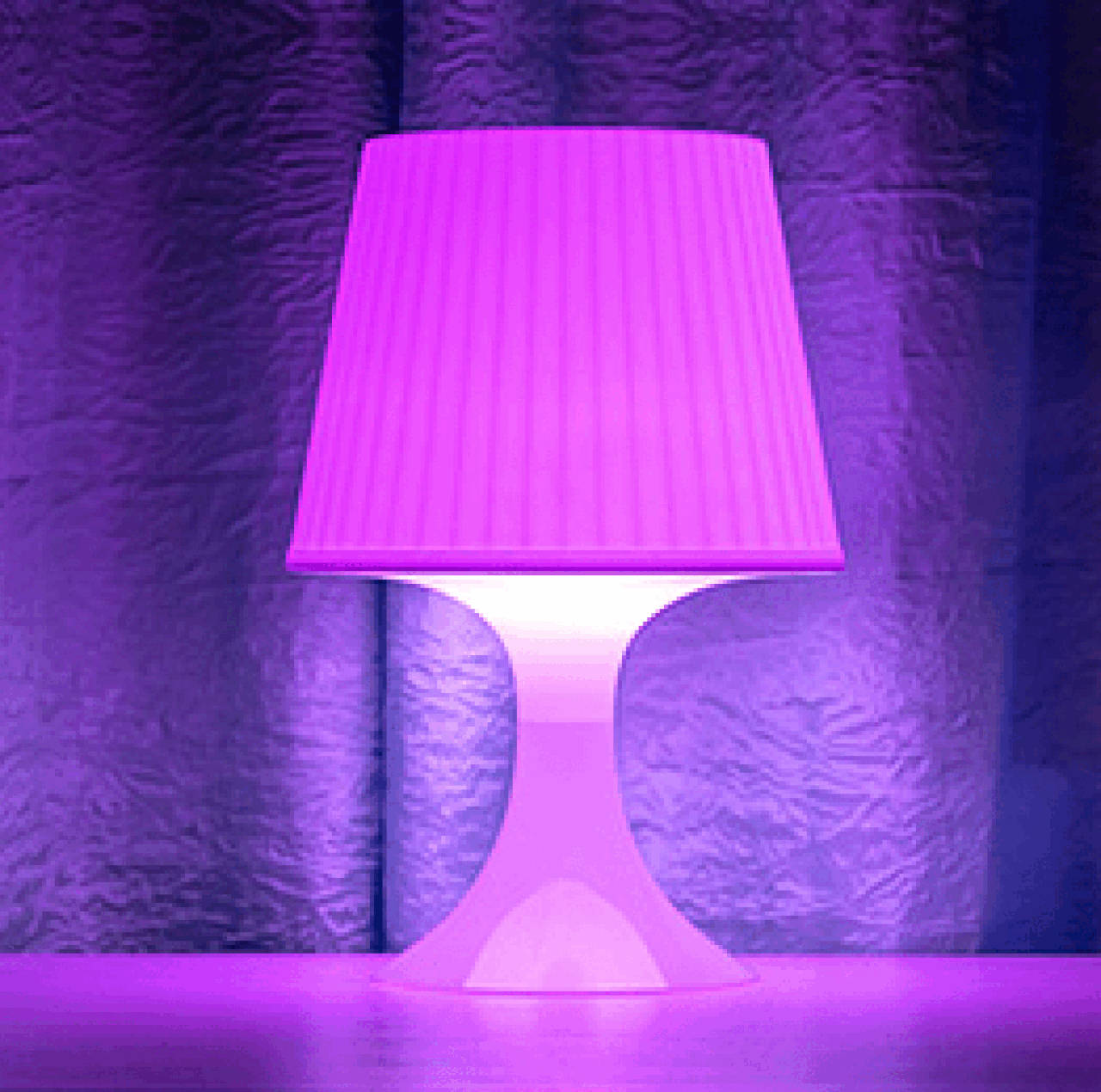
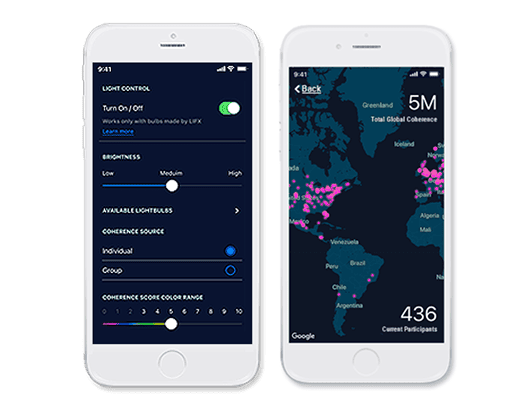
Light up the world. And now light up your room.
See your coherence transformed into visible light, and spice up our experience of global connectivity. As you get into coherence, using the Global Coherence App, the light glows and changes color depending on your coherence level.
The LIFX 800-Lumen LED Wi-Fi lightbulb changes as your coherence changes. Works with individual or group coherence levels.
It’s Easy!
Coherence Light
Get Started Guide
Step 1.
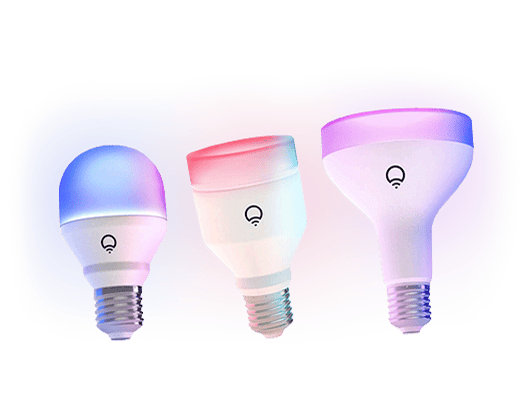
Purchase the LIFX 800-Lumen LED Wi -Fi lightbulb (or other supported LIFX bulbs listed below)
No hub required. You can order it from Amazon, Best Buy or wherever LIFX products are sold. The LIFX bulb screws in like any traditional lightbulb.
Supported LIFX lightbulbs:
- LIFX Color 800-Lumen
- LIFX Color A19 1100 Lumens
- LIFX Color BR30 1100 Lumens
Step 2.
Get the LIFX app for
Android or iOS.
Connect a LIFX lightbulb to your home Wi-Fi by following the instructions provided by LIFX that came with your lightbulb.
https://support.lifx.com


Step 3.
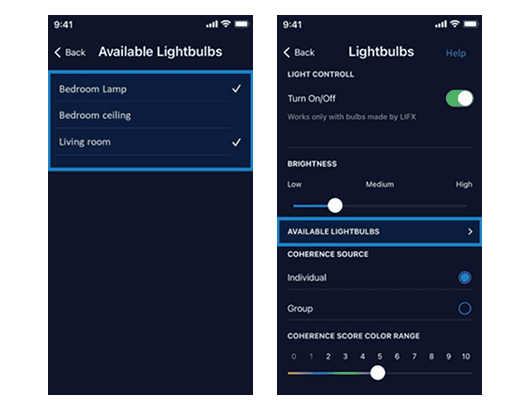
Open the Global Coherence App. Go to: Settings > Lightbulb.
Tap Available Lightbulbs.
Then choose one or more lightbulbs from the list.
*Works only with Wi-Fi color bulbs made by LIFX.
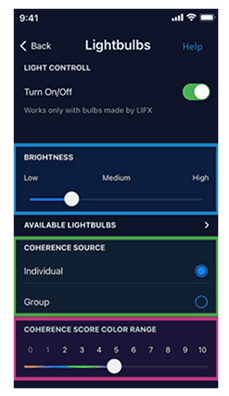
Step 4.
Experiment with the optional settings, start a session and see the light.
Use the slider to set the brightness.
Pick a coherence source, you or the group.
The coherence score of the selected source will control the color of the lightbulb.
Set the coherence score color range.
Adjusting the slider maps the color range of the light to coherence scores. The high set point is the score at which the light reaches the final color in the range.
There are 4 colors in the range: red, blue, green and magenta.
For example, if the slide control is set to 5 the bulb will change to magenta when the coherence score is 5 or above.
FAQ’s
What LED lightbulbs can I use with Global Coherence App?
Currently the following LIFX Wi-Fi lightbulbs can be used:
- LIFX Color 800-Lumen
- LIFX Color A19 1100 Lumens
- LIFX Color BR30 1100 Lumens
Can I use more than one lightbulb at a time?
Yes, you can use multiple LIFX bulbs at the same time. Bulbs can be located in separate rooms but must be on the same Wi-Fi network.
How do I turn the lightbulb off?
When the session ends, the lightbulb returns to the state it was in before the session started. Use the LIFX app to control the light when not using it with the Global Coherence App.